Case study · Warehouse
Warehouse work, checked by AI agents
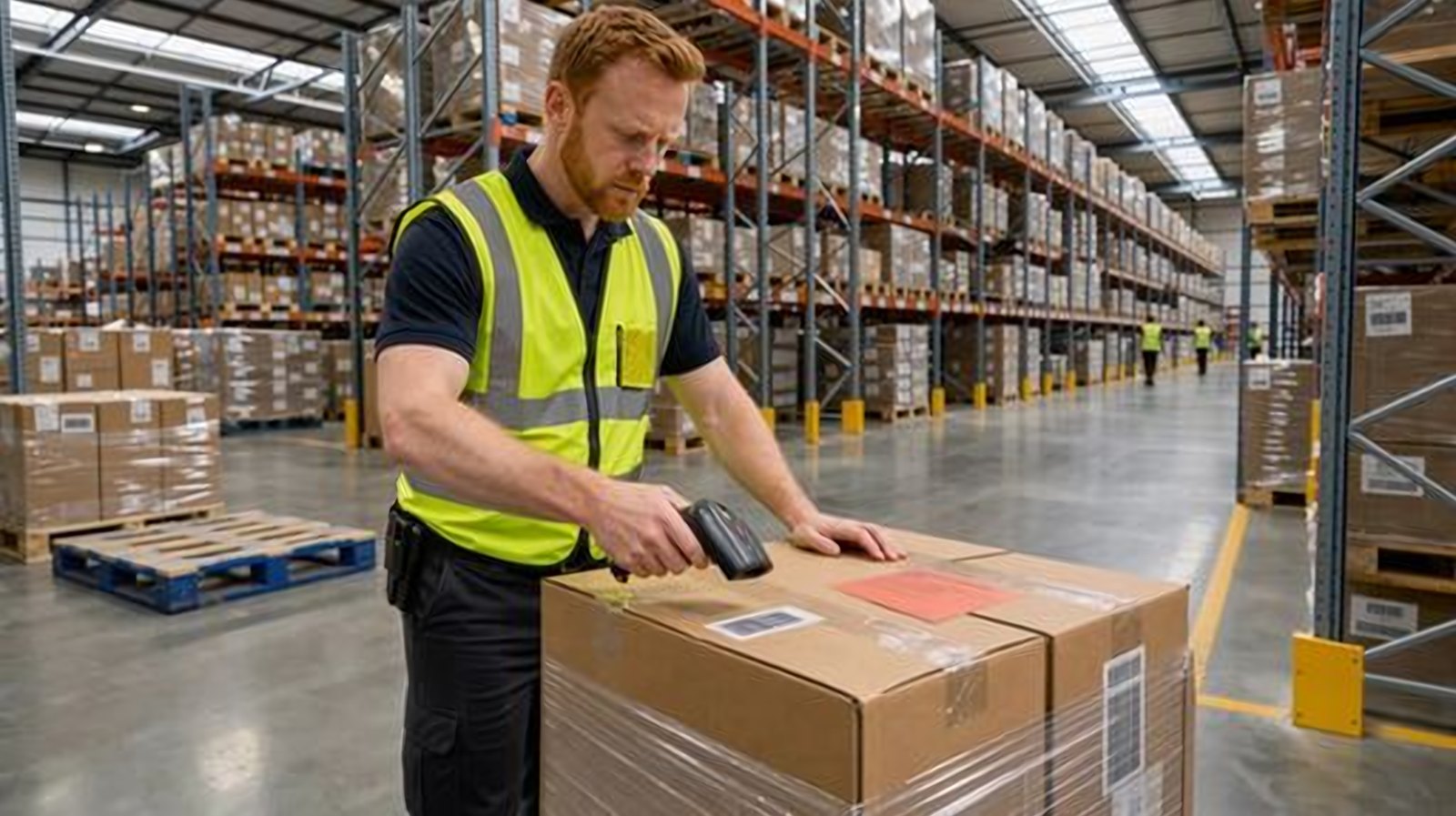
One handheld app for Dynamics 365. Workers receive, pick, count and ship on rugged scanners or ordinary phones, and AI agents check every step before it posts.
On the warehouse floor
Sample data- Product receiptPosted to Dynamics 365 Done
- Count adjustmentWaiting for the warehouse manager Needs you
- Batch with short shelf lifeStopped before it shipped Done
The problem
The system and the shelf drift apart
Every movement in a warehouse has to be told to Dynamics 365. When it is written on paper and typed in later, errors and delays creep in, and the stock in the system stops matching the stock on the shelf.
- Delivery notes are typed in by hand
- The wrong batch gets shipped
- Counts are off, and nobody knows why
- Built for
- Dynamics 365
- Runs on
- Scanners and phones
- Status
- Built and demonstrated
The explainer
The whole floor in under 2 minutes
The short film we made to show the app: receiving, production, counts, shipping and questions, with the agents checking each step.
The journeys
Five jobs on one handheld
Each job is a scan or a photo for the worker. The agents check the step before anything is posted to Dynamics 365.
-
Journey 1 Receiving
One photo of the delivery note
When a truck arrives, the receiver takes one photo of the delivery note. The receiving agent matches it to the order in seconds and flags what is wrong, such as a short line or a batch with too little shelf life. One scan fills the item, batch and expiry date. One tap posts the receipt, and the buyer knows in minutes.
Agent and person The receiving agent matches and flags. The buyer decides whether to accept the short batch. -
Journey 2 Production
Pick by scan, oldest batch first
On the production line, the picker scans each line of the order and takes the oldest batch first. If the picker takes more than the order needs, the app stops and explains why. When the order is reported as finished, a label prints for every piece.
Agent and person The production agent checks the picks against the bill of materials. More material needs a supervisor. -
Journey 3 Counts
Counts that explain themselves
Counts are planned by risk, and the counter does not see the system number. The count agent takes out timing differences, asks a second person to recount, and drafts the adjustment.
Agent and person The warehouse manager approves on the phone. Stock does not change until the manager decides. -
Journey 4 Pick and ship
The right batch for each customer
The picker follows the shortest walk to the dock. When a batch has too little shelf life left for the customer’s rule, the shelf life agent stops it and finds a better batch nearby. The packing slip goes out with the batch and expiry on every line.
Agent and person The shelf life agent stops the batch. The picker scans the one it suggests. -
Journey 5 Ask
Ask a question, match a barcode
Anyone can ask a stock question by voice or text, in English or Arabic. When a barcode is unknown, the barcode agent finds the right item and suggests it.
Agent and person The Ask agent can read, not change. A person confirms any new barcode.
A count, with its working
Stock changes only when a person says so
The count agent does the detective work. It shows what it found, who recounted and what it proposes. The warehouse manager makes the call from the same app.
- Blind counts, so the number is honest
- Picked but not yet posted stock taken into account
- A second count above the limit you set
- A photo and both counts attached to the adjustment
- Blind count: 41 counted, the system shows 48The counter did not see the system number
- The count agent took out 5 picked but not yet postedReal gap: 2
- A second person recounted: same resultAsked because the value is above the limit
Agents and people
Agents check. People decide.
Eight agents, each with one job. They read, match, warn and draft. Anything that changes stock value, a batch status or an item goes to a person.
Receiving agent
Reads the delivery note photo and the label data, matches them to the order, and flags short, extra and wrong items.
Shelf life agent
Uses the oldest batch first, and stops batches that break a customer’s shelf life rule.
Production agent
Suggests batches, stops material beyond the bill of materials, and warns about shortages for tomorrow’s orders.
Count agent
Plans counts by risk, explains each difference, asks for a recount and drafts the adjustment.
Barcode agent
Finds the right item for an unknown barcode from product data and past invoices.
Label agent
Picks the right label template and printer for each item and customer, and reprints on request.
Exceptions agent
When Dynamics 365 refuses a posting, explains it in plain words, fixes what is safe and posts again.
Ask agent
Answers stock questions in English or Arabic, by voice or text. It can read, not change.
Managers see stock accuracy, the time from dock to shelf, and every failed posting the agents fixed.
How it fits Dynamics 365
Every scan lands in Dynamics 365
The app reads orders and posts receipts, picks and counts straight into Dynamics 365. The rules stay in Dynamics 365.
Posts as you go
Receipts, picking lists, counts and packing slips are written into Dynamics 365 through its standard interfaces.
Basic or advanced
One app for Finance and Operations and Business Central, with or without advanced warehousing.
Scanners and phones
Android and iOS, on rugged scanners or ordinary phones. Labels print on network label printers.
Nothing on the device
Nothing is stored on the device. Every posting goes straight to Dynamics 365.
Your data stays yours
No remote viewing of devices, no screenshots and no screen recording. Agents can run in your own Azure tenant.
One work account
People sign in with their Microsoft work account. The app gets only the rights it needs.
What it shows
How we build a complete solution
The whole job
The handheld app, the agents, the approvals, the labels and the web console. Plus the film and a clickable demo to show it.
Learn the work first
We started from how a warehouse really runs: receiving, put-away, picking, counts and shipping, and what each one must post.
People keep the call
Agents check every step. Changes to stock value, batches and items wait for a person.
Where it stands
Built and demonstrated
The app is built and has been shown to companies that run Dynamics 365. It is designed to keep the stock in the system equal to the stock on the shelf, and to stop the wrong batch before it ships.
More
Want one for your process?
We build agents for your own process, or apps around the Dynamics 365 you already run.
AI work Custom AI work Microsoft 365 and Dynamics 365